

01
Storyboarding and script shaping
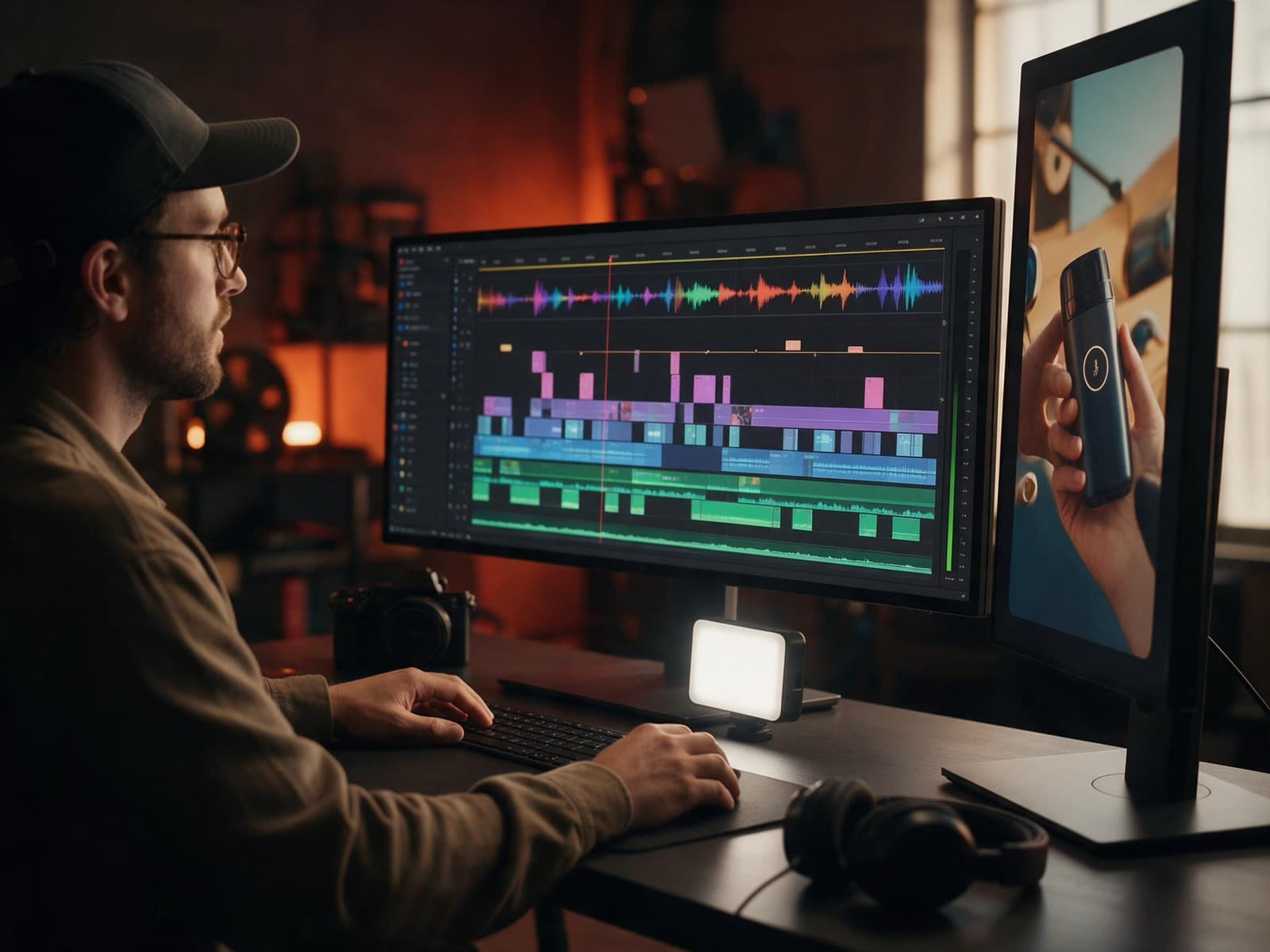
Turn rough notes, product clips, or talking points into a sequence that can be watched quickly and understood without context.
- Scene plan
- Script lines
- Shot list
Product explainers, launch loops, podcast edits, motion graphics, AI-assisted commercials, and social-ready video packages.
Is this right for you?
Launch loops, product explainers, and short motion systems that help a young company show momentum without overexplaining.
Sounds like us, let's talkA startup needs a short video to explain what the product does.
A founder needs launch assets for a website, investor update, or social channel.
A podcast, interview, or talking-head clip needs branded pacing and captions.
A campaign needs multiple video cuts for different placements.
Platforms & tools we work with
Turn rough ideas into a clear, watchable sequence.
Turn rough notes, product clips, or talking points into a sequence that can be watched quickly and understood without context.
Create short motion pieces that show the product value, user flow, or campaign offer without becoming a long tutorial.
Movement, type, and captions that fit your brand.
Build muted website hero loops, social teasers, and investor-update clips that communicate motion without demanding sound.
Design captions, speaker labels, titles, lower thirds, and annotations that stay readable across mobile and desktop placements.
Use typography, UI details, product screens, icons, and transitions to create a visual rhythm that fits the brand.
Cut, resize, and package every file for where it will run.
Cut raw conversations into tighter episodes or short vertical clips with pacing, framing, captions, and brand treatment.
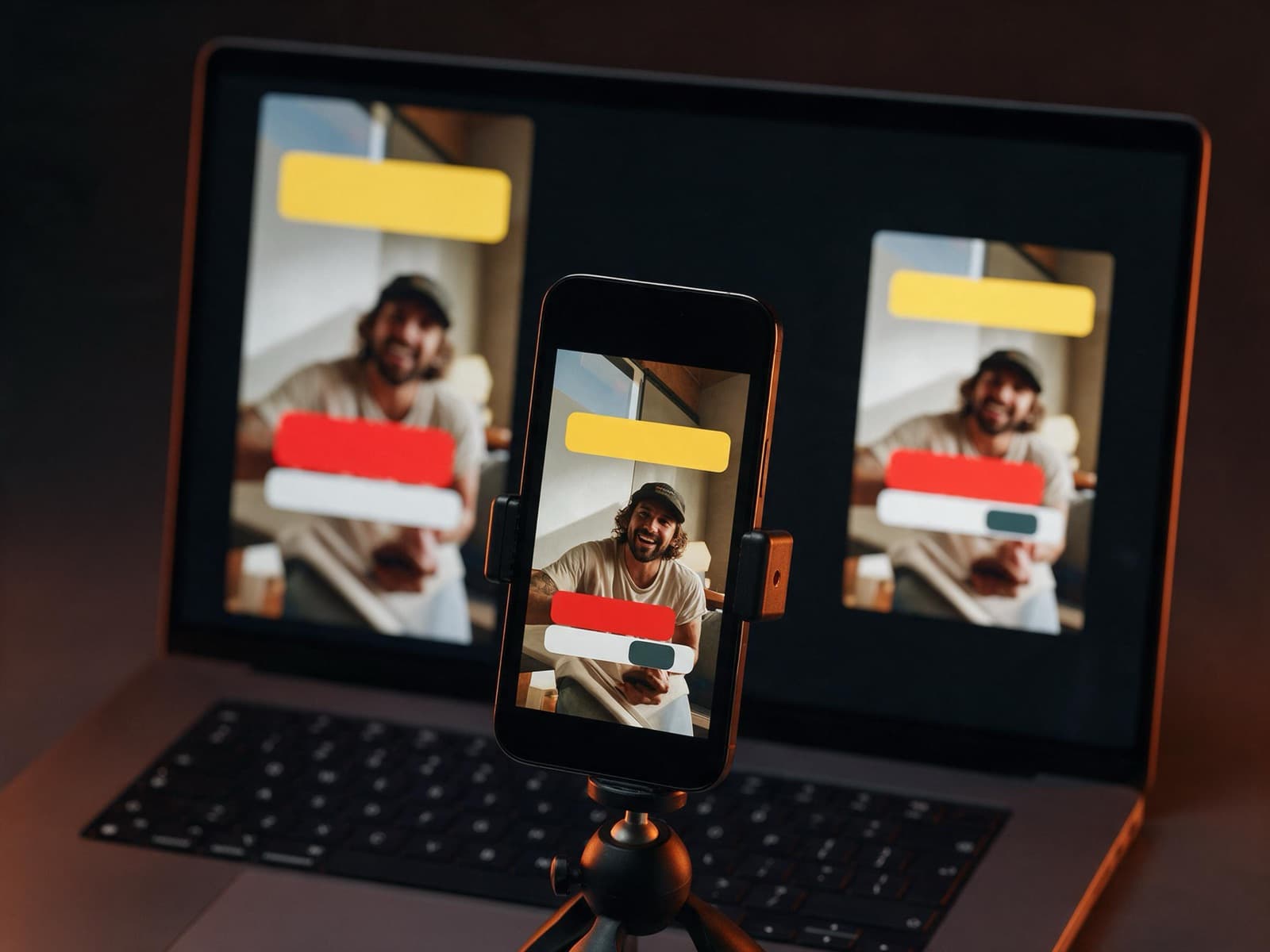
Prepare vertical, square, and landscape cuts with platform-specific framing, hooks, and export settings.
Deliver named files, aspect-ratio variants, thumbnail direction, and notes for where each asset should be used.
How it works
Review product clips, raw footage, brand assets, scripts, notes, or existing campaign material.
Define the hook, pacing, caption style, visual rhythm, and platform-specific versions.
Build the cut with motion graphics, typography, captions, transitions, and sound-safe pacing.
Export the final formats with clear naming, poster frames, and placement notes.
What you get
The handoff includes final videos, review exports, platform-specific versions, poster-frame notes, and a short usage guide for the website or campaign team.
Tell us about your store and goals. We will reply with a clear plan and next steps.
Client reviews
Every review below was left by a client on Upwork after a paid contract finished, for Sultan Moni, founder of EcomPros. The dates and terms they hired on are shown with each one, so you can look them up yourself.
Hired for
Full Stack Developer & Amazon Expert
“Second time working with Sultan, and he once again delivered outstanding results with professionalism and attention to detail. Communication was smooth, work was on time, and it's always a pleasure collaborating with him.”
Verified review on Upwork
01/05
Related work
FAQ
Yes. Existing product captures, interviews, podcasts, commercials, and social clips can be shaped into finished edits.
Yes. Motion work can be exported as hero loops, product videos, or lightweight clips that fit the page design.
Yes. A main edit can be repackaged into vertical, square, and landscape versions with adjusted framing and captions.
Explore more
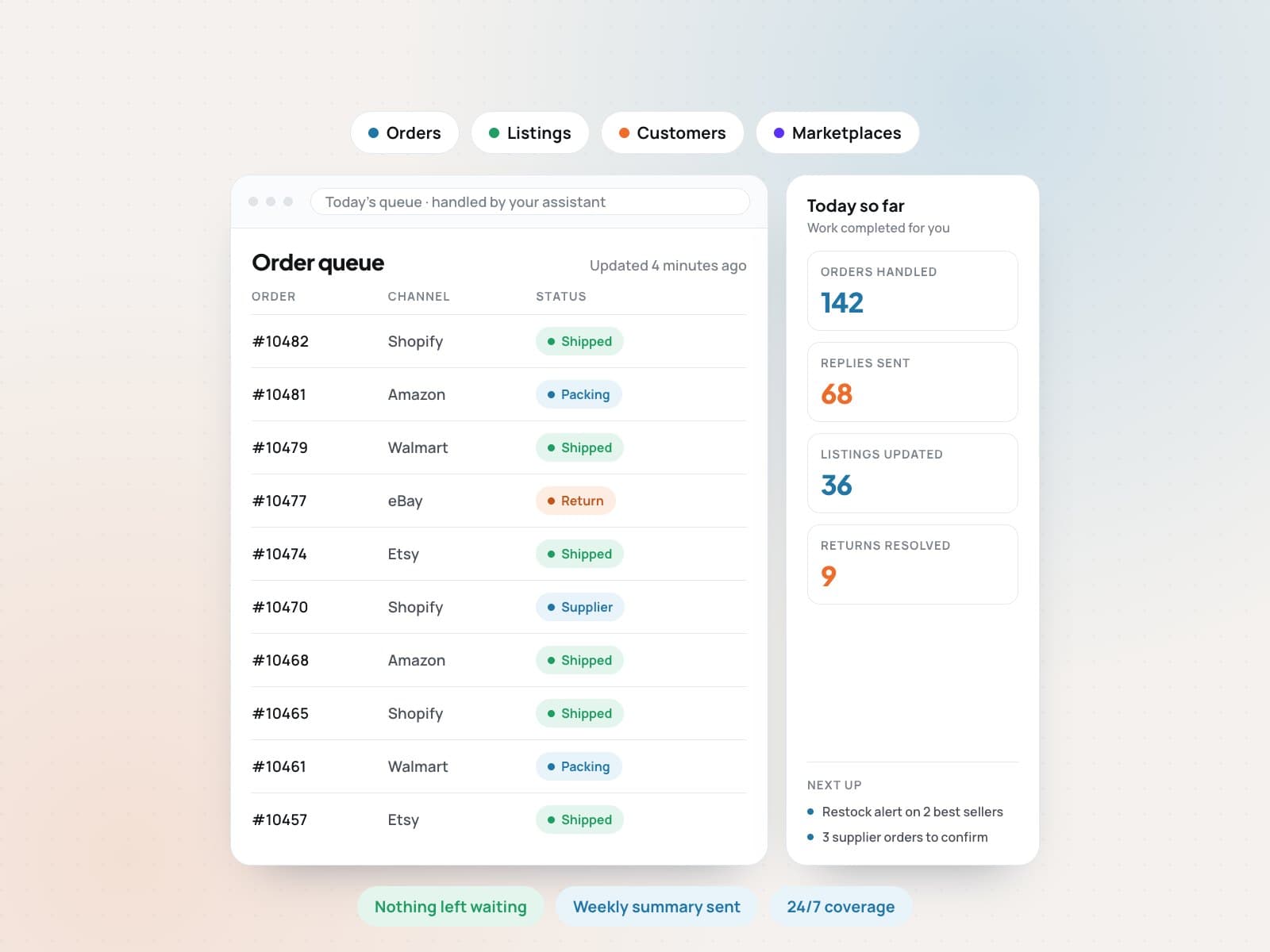 E-commerce Virtual AssistantHand off the daily store work. Keep full visibility.View service
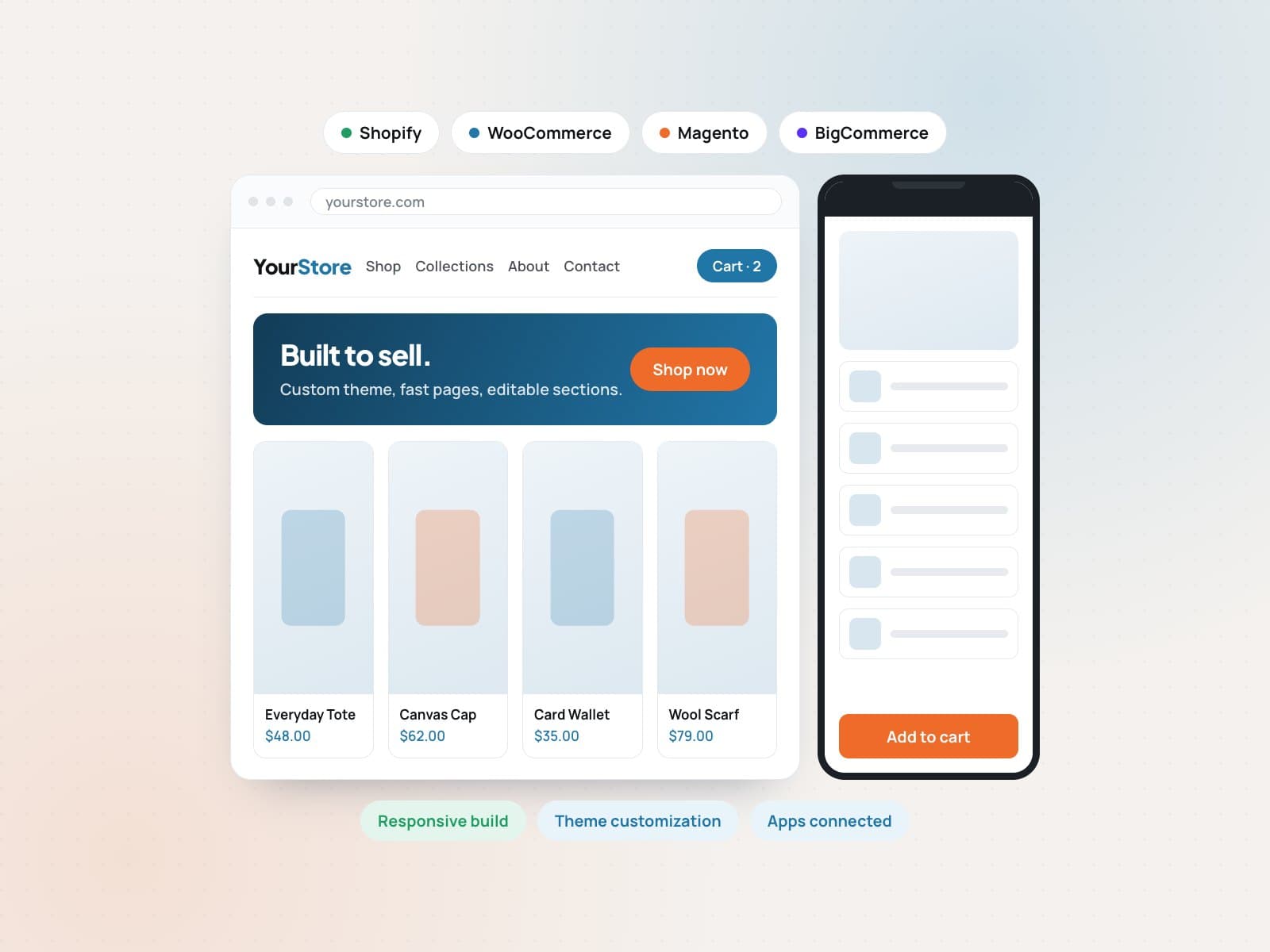 Web development and customizationA store built to sell, on the platform you already use.View service
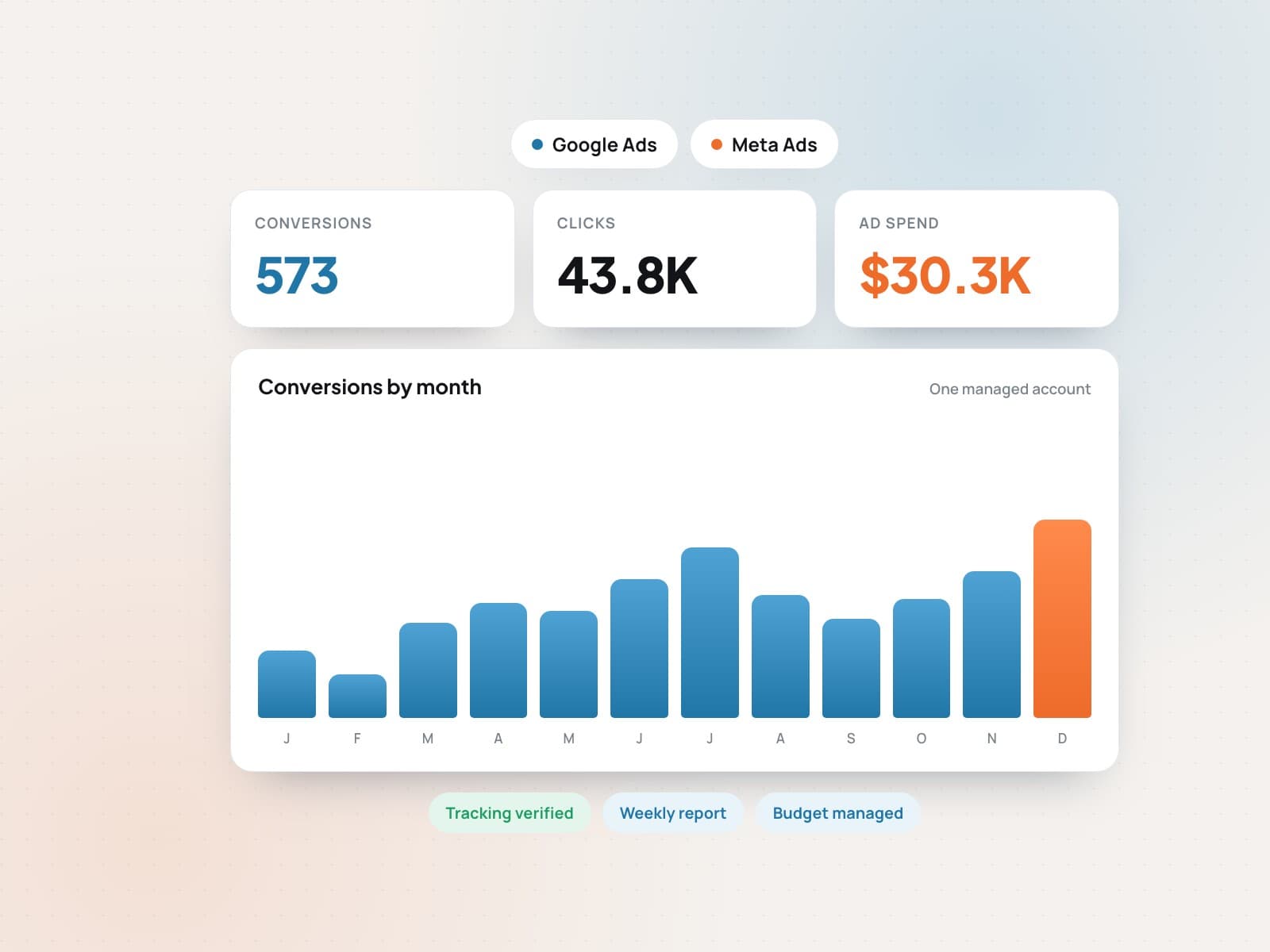 Google, Meta and marketplace adsStart advertising today.View service
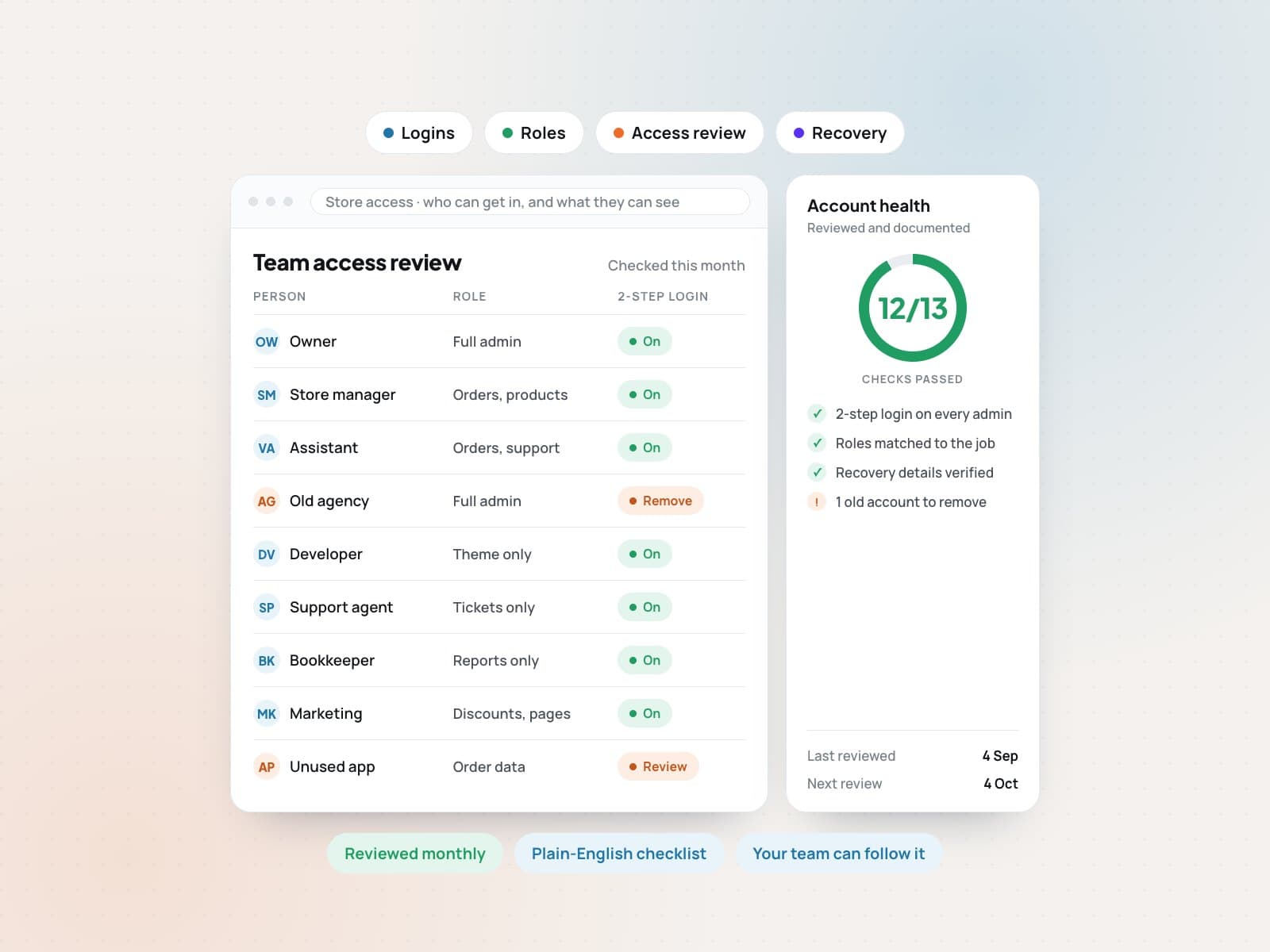 Cybersecurity helperSecurity your customers can see and trust.View service
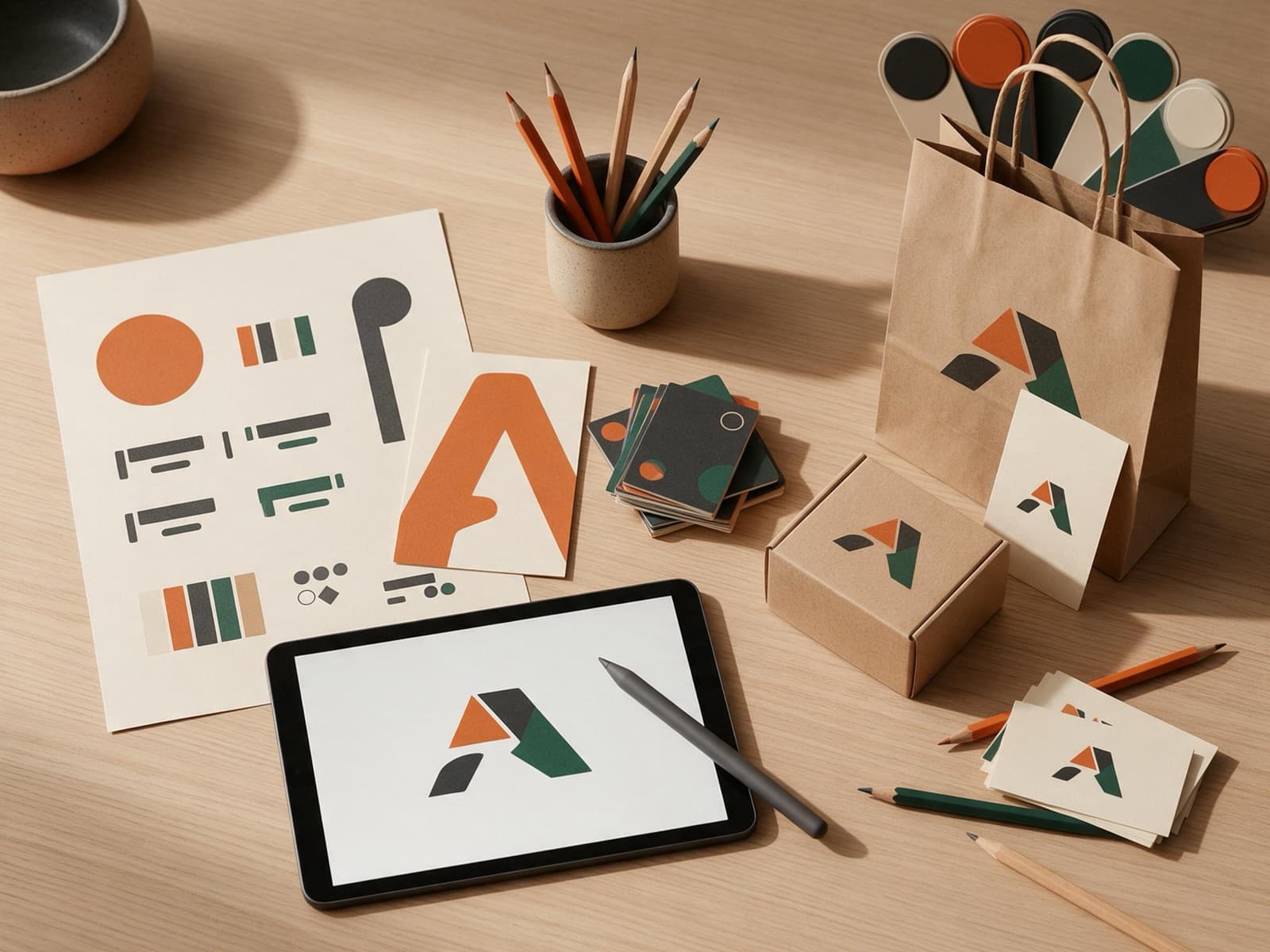 Brand-ready systemsOne brand system your whole team can use.View service
 Ecommerce SEO and growth marketingGet found by shoppers who are ready to buy.View service