

01
Security UX
Design trust, consent, permissions, account recovery, and security settings so users can understand what is happening.
- Consent
- Account recovery
- Clear settings
Security UX, trust surfaces, access-control review, checklist systems, policy pages, and practical security support for small teams.
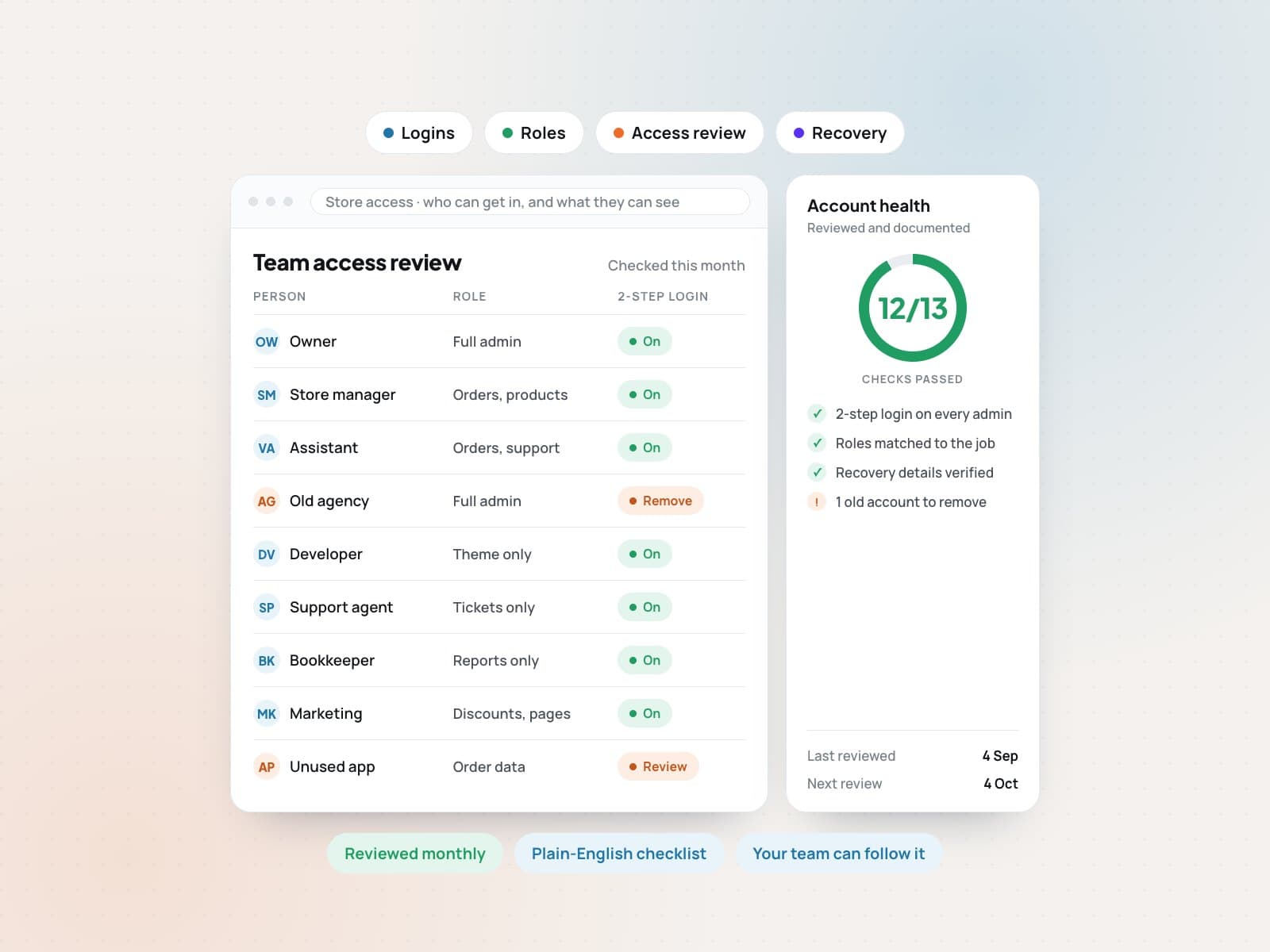
Is this right for you?
Practical security surfaces, checklists, and helper tooling that make trust work easier to understand and maintain.
Sounds like us, let's talkA product handles customer data and needs clearer security behavior.
A team needs trust pages, policy surfaces, or security checklists before sales conversations.
An app has roles, auth, or admin access that should be reviewed before launch.
A founder needs practical security support without buying a heavy enterprise program.
Platforms & tools we work with
The right people get in, and only see what they should.
Design trust, consent, permissions, account recovery, and security settings so users can understand what is happening.
Review login, password reset, session behavior, admin access, account states, and user role boundaries.
Document who can see what, who can change what, and where role behavior needs safer defaults.
Find weak spots early and be ready if something goes wrong.
Create practical launch, vendor, access, content, and incident checklists that a small team can keep using.
Support dependency review, exposed configuration checks, common web risk review, and issue triage for early products.
Prepare contact flows, escalation notes, access lists, and response steps so the team has a starting point before pressure hits.
Security your customers can read and your team can follow.
Shape privacy, security, compliance, responsible-use, and internal process pages into readable web content.
Turn security behavior into simple guides, onboarding notes, and team reminders instead of dense policy documents.
How it works
Look at the product, access model, customer data, user roles, and visible trust promises.
Identify confusing security UX, unclear ownership, risky defaults, missing documentation, or launch blockers.
Create checklists, interface copy, trust surfaces, access notes, and prioritized implementation guidance.
Separate immediate fixes from later maturity work so the founder knows what matters now.
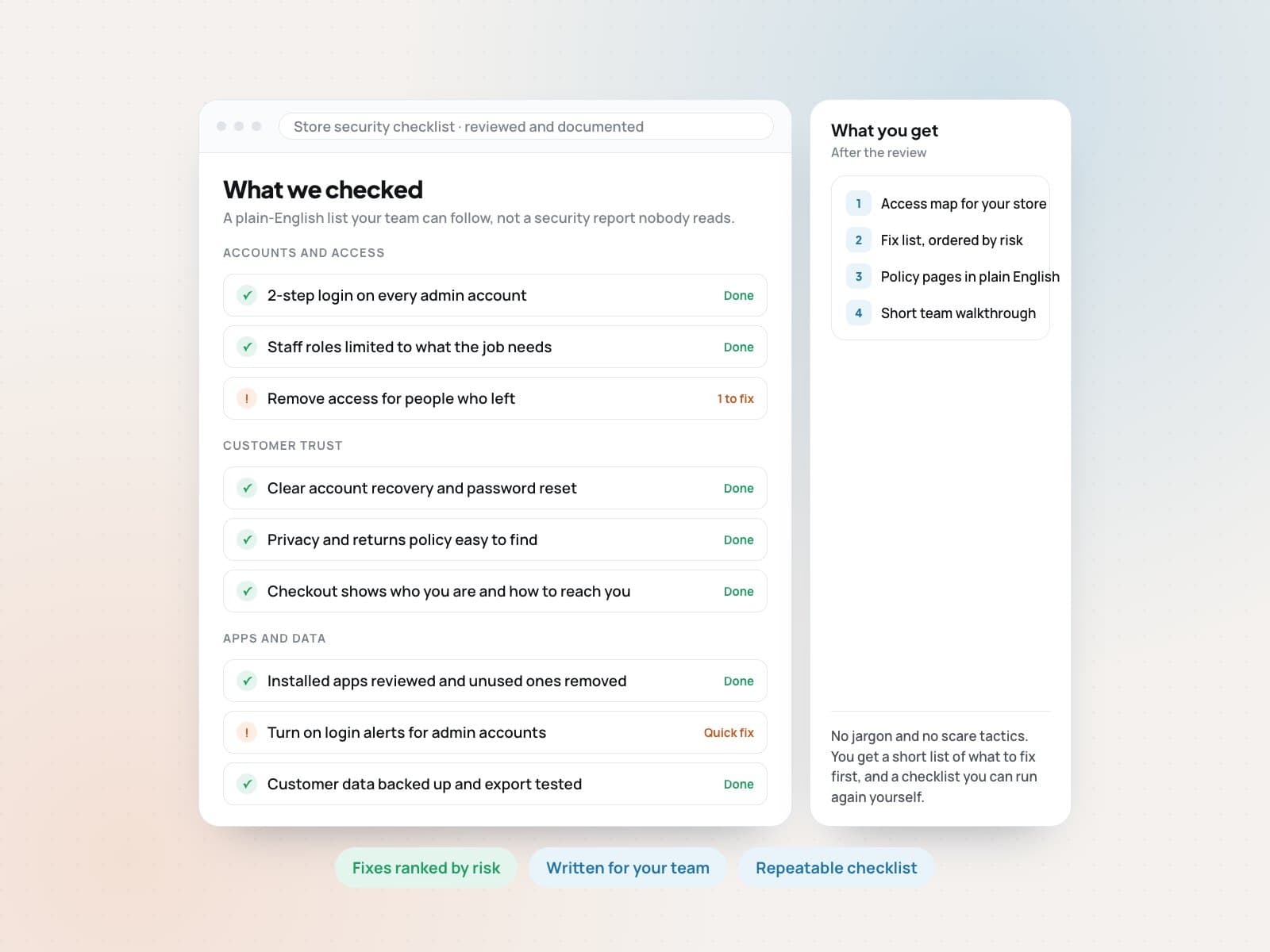
What you get
The handoff gives the team clear security notes, ownership points, checklists, and implementation priorities rather than a vague risk report.
Tell us about your store and goals. We will reply with a clear plan and next steps.
Client reviews
Every review below was left by a client on Upwork after a paid contract finished, for Sultan Moni, founder of EcomPros. The dates and terms they hired on are shown with each one, so you can look them up yourself.
Hired for
Full Stack Developer & Amazon Expert
“Second time working with Sultan, and he once again delivered outstanding results with professionalism and attention to detail. Communication was smooth, work was on time, and it's always a pleasure collaborating with him.”
Verified review on Upwork
01/05
Related work
FAQ
No. This is practical startup security support. It helps clarify UX, access, checklists, trust content, and priority fixes. Formal audits and certifications should use a dedicated security auditor.
Yes. It often works best when paired with product development, because auth, roles, admin tooling, and launch checklists can be improved during the build.
Ecom ProDesk can structure and draft readable web content for trust and policy surfaces. Legal review should still happen where legal obligations apply.
Explore more
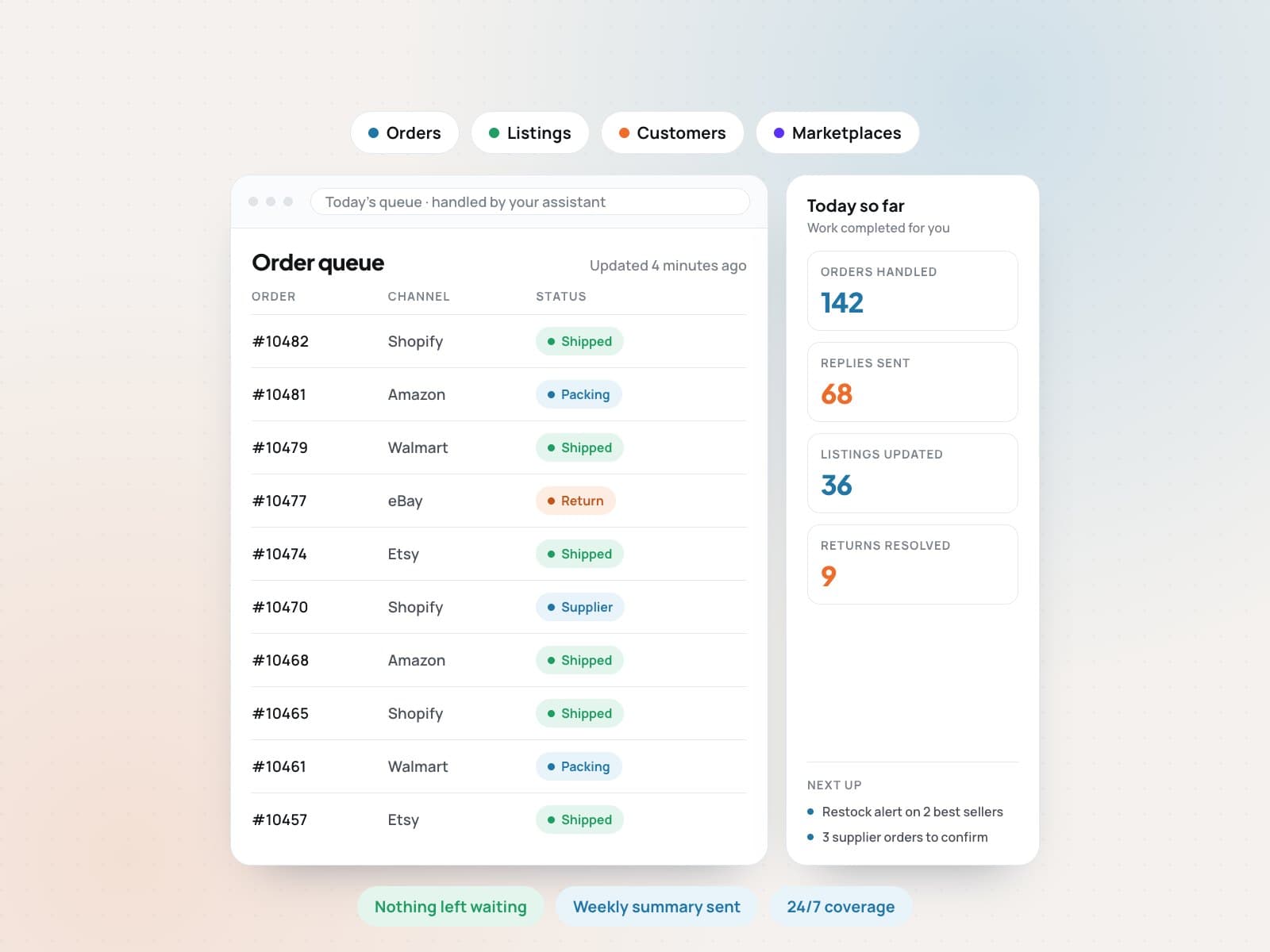 E-commerce Virtual AssistantHand off the daily store work. Keep full visibility.View service
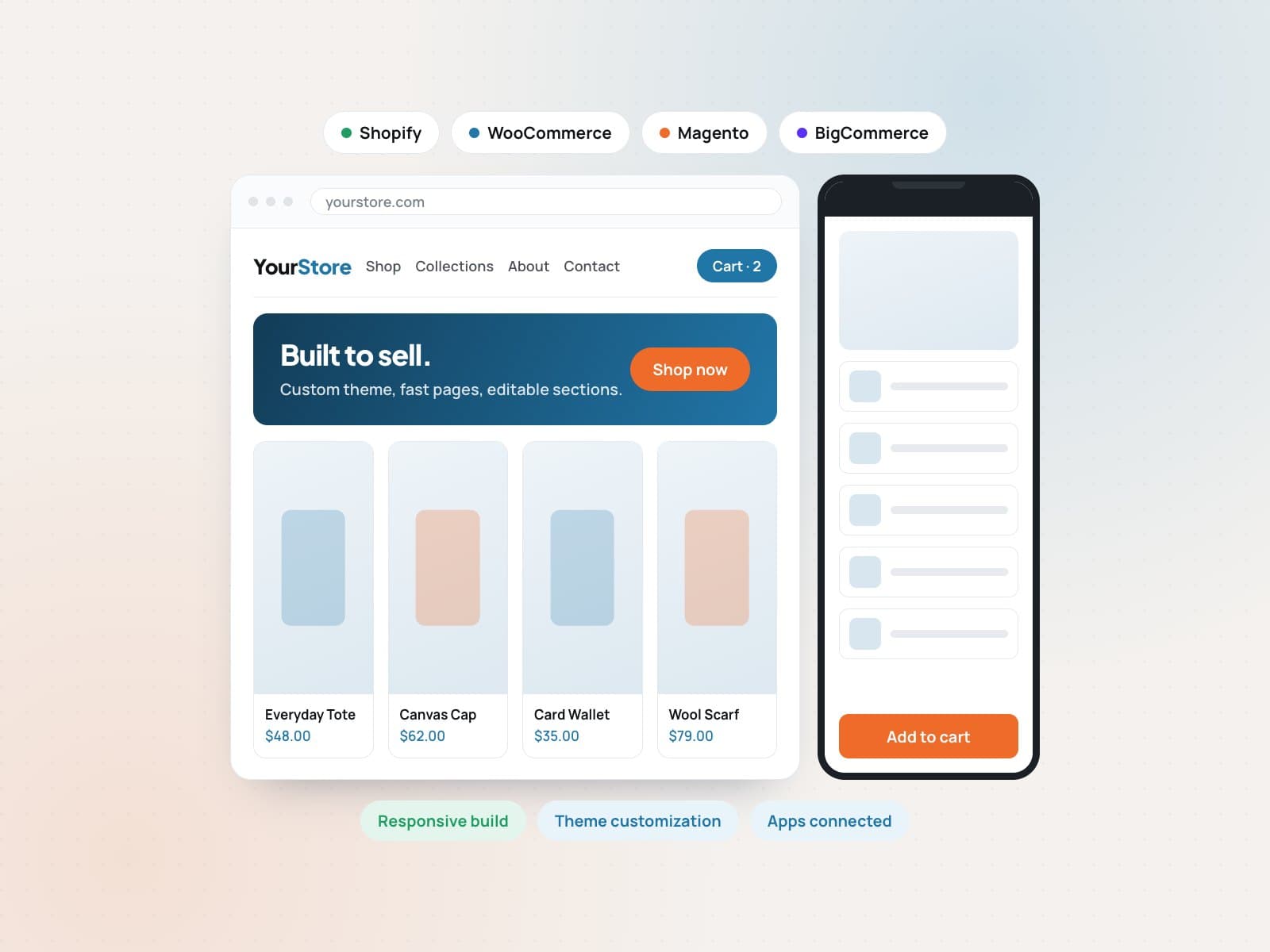 Web development and customizationA store built to sell, on the platform you already use.View service
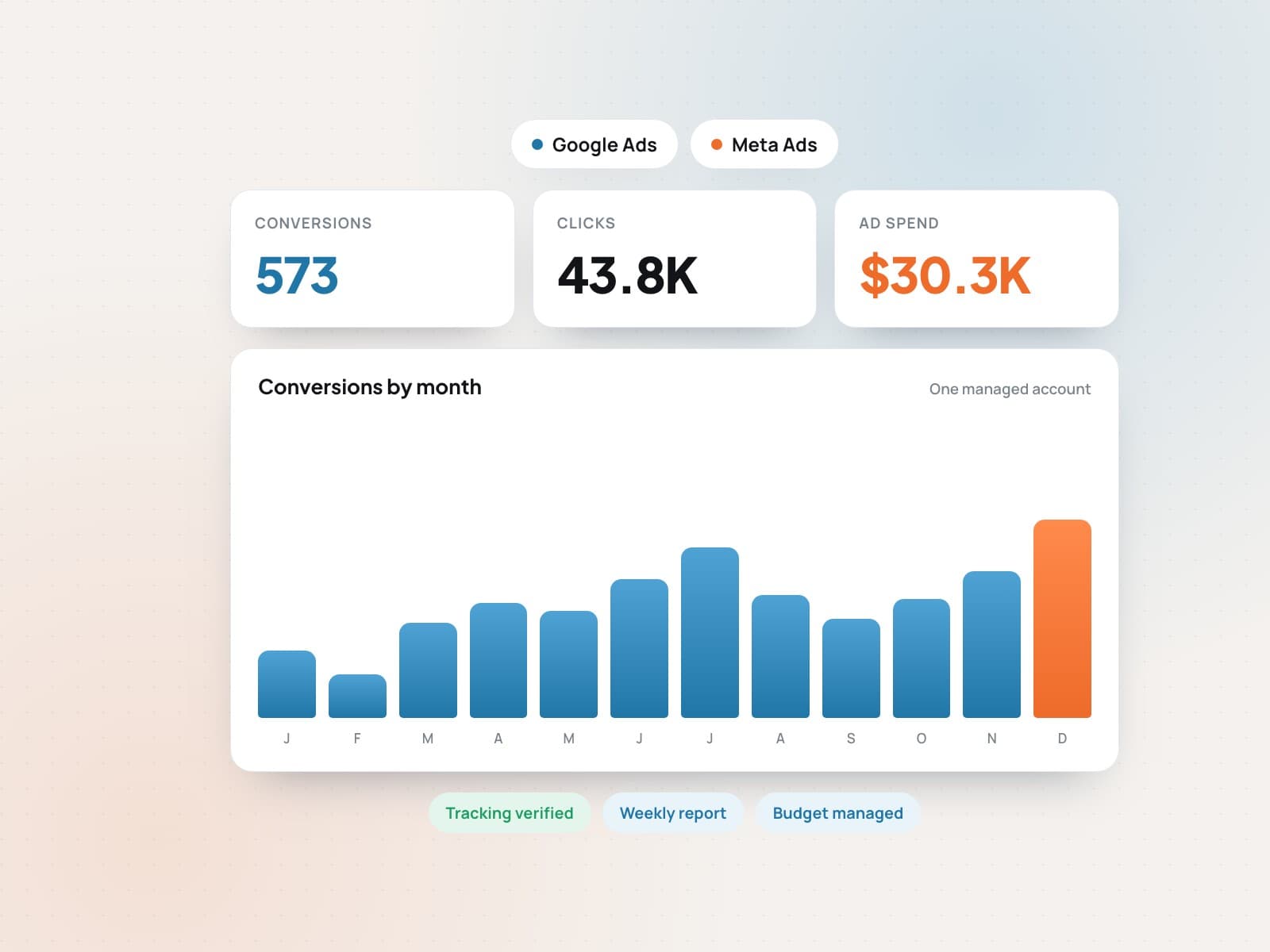 Google, Meta and marketplace adsStart advertising today.View service
 Motion video designVideos that explain your product in seconds.View service
 Brand-ready systemsOne brand system your whole team can use.View service
 Ecommerce SEO and growth marketingGet found by shoppers who are ready to buy.View service